Products in context
Group products into categories and keep photos, descriptions and prices together.

Give customers a clear place to browse before they message you. Organise products, show photos and prices, and share your store wherever your customers already find you.
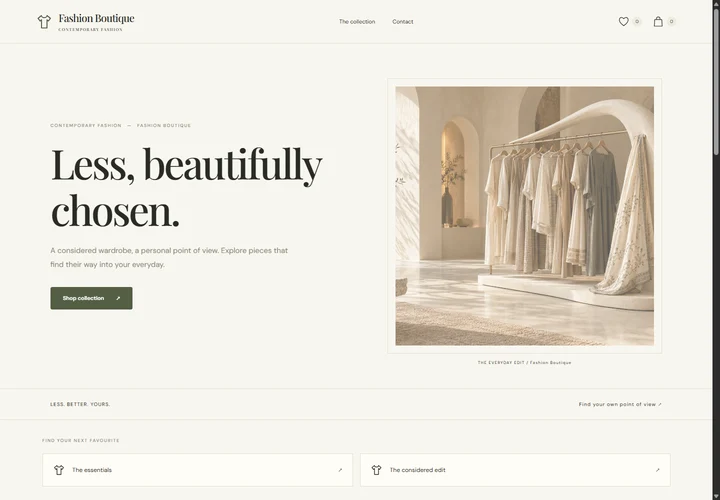
Group products into categories and keep photos, descriptions and prices together.
Customers send their selected order details through WhatsApp. Confirm availability, payment and delivery with them.
Send the store link in a chat, add it to a social profile or share it with a QR code.
Useful for boutiques, food businesses, jewellery sellers, gift shops and other businesses that confirm orders through WhatsApp.
Your service plan sets the publishing, content and storage limits. Review the plan before purchase.
Explore pricing for every DigiGoo service. Choose what your business needs, one service at a time.
Sell your products easily via WhatsApp.
No published plans for this billing period. Try All periods.
Each service has its own plan. Taxes, if applicable, are calculated at checkout.
No. WhatsApp Stores have their own plan and storage allowance. Choose a WhatsApp Store plan for store access.
The store sends order details to WhatsApp. You arrange payment and fulfilment with the customer.
Yes. Update your catalogue from the store editor, subject to your service plan limits.
Choose a design, add your details and review before you publish.